
PRODUCT OVERVIEW
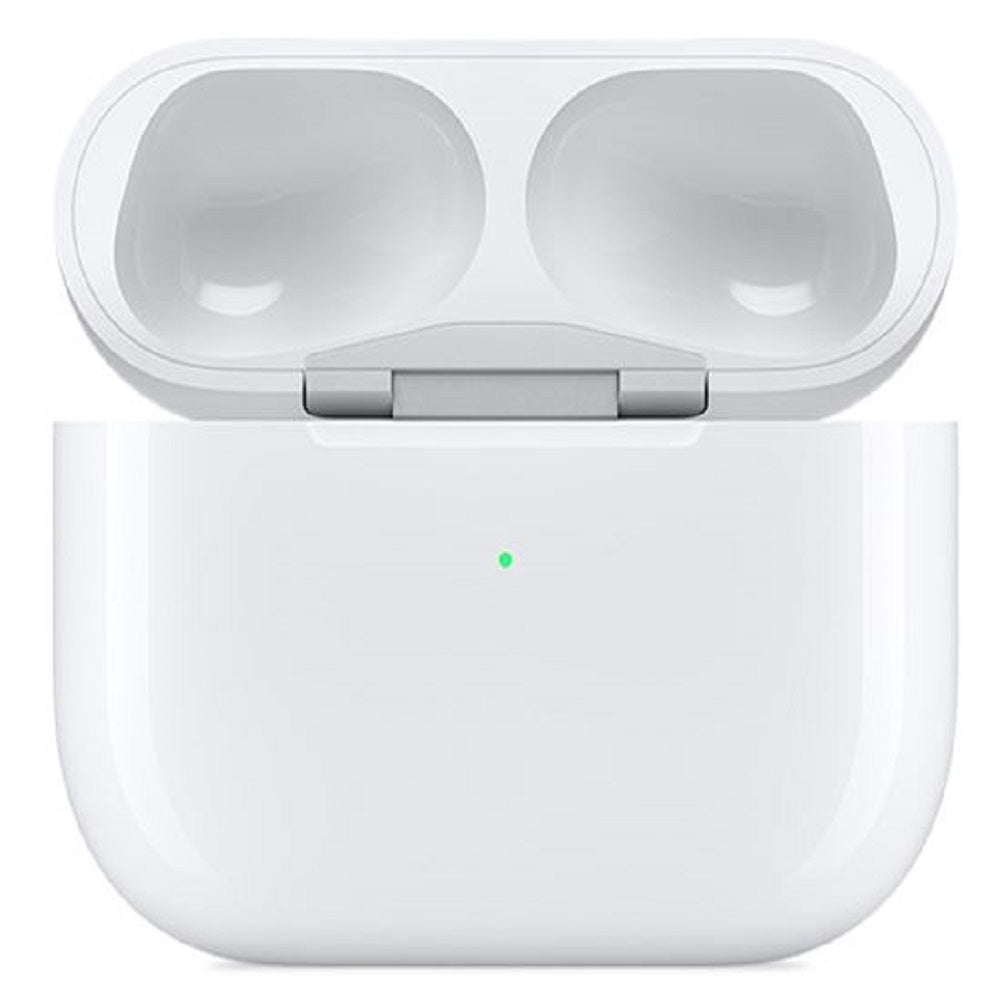
Lose your AirPods Pro wireless charging case? Not a problem! Get back in the rhythm with this replacement AirPods Pro wireless charging case!
KEY FEATURES
Air Pod Pros charge quickly inside the case
Case can be charged with a Qi-enabled charging pad or the Lightning connector
Works with AirPods Pro ONLY
KEY FEATURES
Air Pod Pros charge quickly inside the case
Case can be charged with a Qi-enabled charging pad or the Lightning connector
Works with AirPods Pro ONLY
SETTING UP YOUR REPLACEMENT
On your iPhone go to Settings > Bluetooth and tap the Information button next to your AirPods. Tap "Forget This Device", then Tap "Forget Device", and tap again to confirm.
Put both AirPods in your charging case, then open the lid and check the status light. It should flash amber.
Press and hold the setup button on the back of the case for a few seconds. The status light should flash white.
Go to the Home Screen on your iPhone and Open the case—with your AirPods inside—and hold it next to your phone. A setup animation appears on your screen. Tap Connect, then tap Done.